
Tag: PLM – Workflow & Lifecycle
-

How to define the set of data that needs to be approved by the Design Verification Workflow?
How to define the set of data that needs to be approved by the Design Verification Workflow? Root Objects represent the set of data you want to approve. In case you created the Design Verification workflow from the Part profile card, this Part is automatically added as Root Object of the workflow. It is possible
-
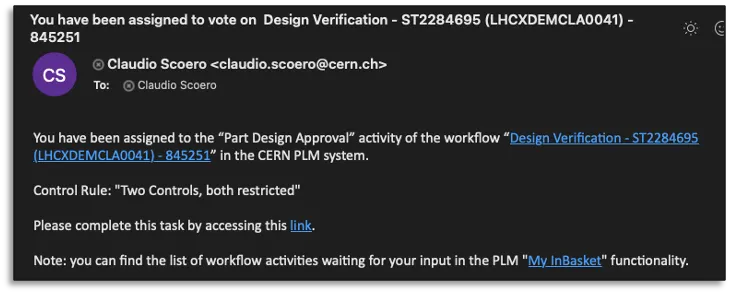
How to perform the CDD Control 2 in the PLM?
How to perform the CDD Control 2 in the PLM? The CDD Control 2 corresponds to the Part Design Approval activity in the new PLM platform. The assignee of this control activity receives a notification email containing the direct link to the workflow object. Steps: Complete documentation: Design Verification Workflow FAQ
-
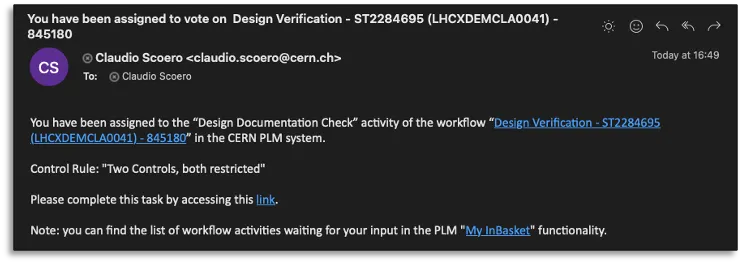
How to perform the CDD Control 1 in the PLM?
How to perform the CDD Control 1 in the PLM? The CDD Control 1 corresponds to the Design Documentation Check activity in the new PLM platform. The assignee of this control activity receives a notification email containing the direct link to the workflow object. Steps: Complete documentation: Design Verification Workflow FAQ
-

What is the concept of the Release by Integration Workflow?
What is the concept of the Release by Integration Workflow? The Release by Integration Workflow is used to validate an Integration Assembly. This workflow operated on the Integration CAD Structure only, meaning the Integration Assembly itself and all its CAD Dependencies if it has a valid lifecycle state (Approved, Released or Replaced). Once we identify
-
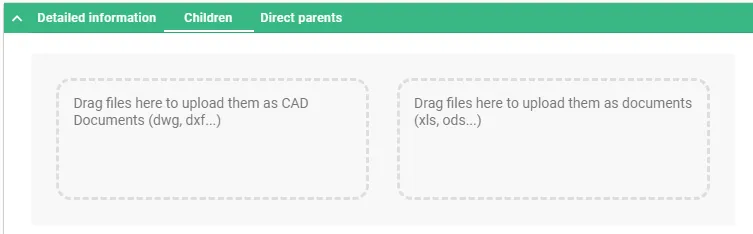
How to use a Batch Import?
How to use a Batch Import? The Batch Import can be performed from a Folder or a Part. In both cases, the object must be in edit mode. Once the Folder or the Part is in edit mode, two areas will appear in its Profile Card under “Children” tab. The files can be dragged and
-

How to create a Drafts Container for Parts?
How to create a Drafts Container for Parts? The goal of the Drafts Container functionality is to allow users to approve the Part and its Master CAD Documents without being delayed by the finalisation of the other “secondary” objects that are related to the Part but not relevant for the approval of the Part. On
-
How to create a Design Collection in the PLM?
How to create a Design Collection in the PLM? The Design Collection replaces the EDMS Drawing Folder functionality and serves to support the data exchange process between the Design Office and the Workshop for the production of a given equipment. Please find more information in this FAQ: Design Collection functionality
-
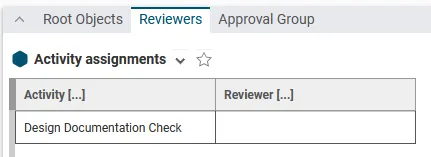
What to do in case all the activities of a workflow under edition are not visible?
What to do in case all the activities of a workflow under edition are not visible? Even if the Design Code(s) assigned to the Part(s) involved in the Workflow requires 2 Activities (and thus to define 2 reviewers), sometimes only 1 activity is visible in the Reviewers tab of a Design Verification Workflow under edition,
-
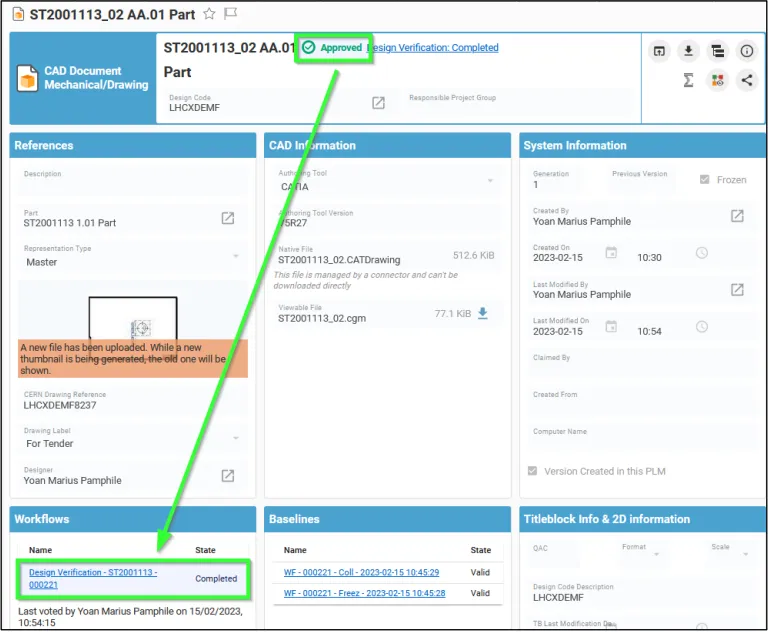
How to access the Workflow Profile Card?
How to access the Workflow Profile Card? Once the Workflow object (Change Item) has been launched: As Creator Go to Part/CAD Document from which the Workflow has been launched, then go to the "Workflow" section of the Part/CAD Document Profile Card and click on the link of the corresponding Workflow. As reviewer Go to "My
-
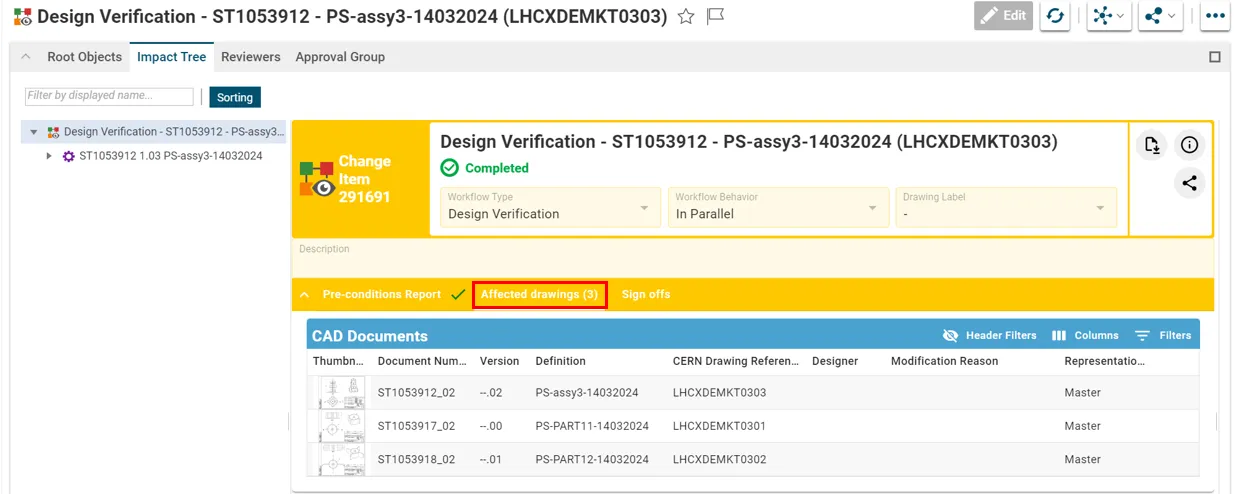
How to view drawings that need to be validated in a Design Verification Workflow?
How to view drawings that need to be validated in a Design Verification Workflow? As reviewer, you can access to the profile Card of the Workflow, either using the hyperlink from the notification e-mail, or through the My InBasket page or via the notification icon on the Dashboard. From the workflow profile card, all the