
Tag: PLM – CAD Document
-
How to get the access rights in the Design Code?
How to get the access rights in the Design Code? PLM users can directly request Design Code access from the PLM platform through a dedicated access request interface. The administrators of the group will be responsible for handling your request and you'll get notified by email as soon as a decision is taken.
-
What are the meanings of the drawing labels?
What are the meanings of the drawing labels? Below are the different drawing labels that can be assigned to a drawing via the 'Assign drawing label' workflow. Complete documentation: Assign Drawing(s) Label Workflow FAQ
-
How to use the Emergency Save (Upload) and Open function of the CERN CATIA PLM toolbox?
How to use the Emergency Save (Upload) and Open function of the CERN CATIA PLM toolbox? If you’re experiencing delays or failure when saving through the standard CATIA Connector, you can use the Emergency Save (also called Toolbox) function as a fallback to manually upload your work. You can also use this tool to open
-
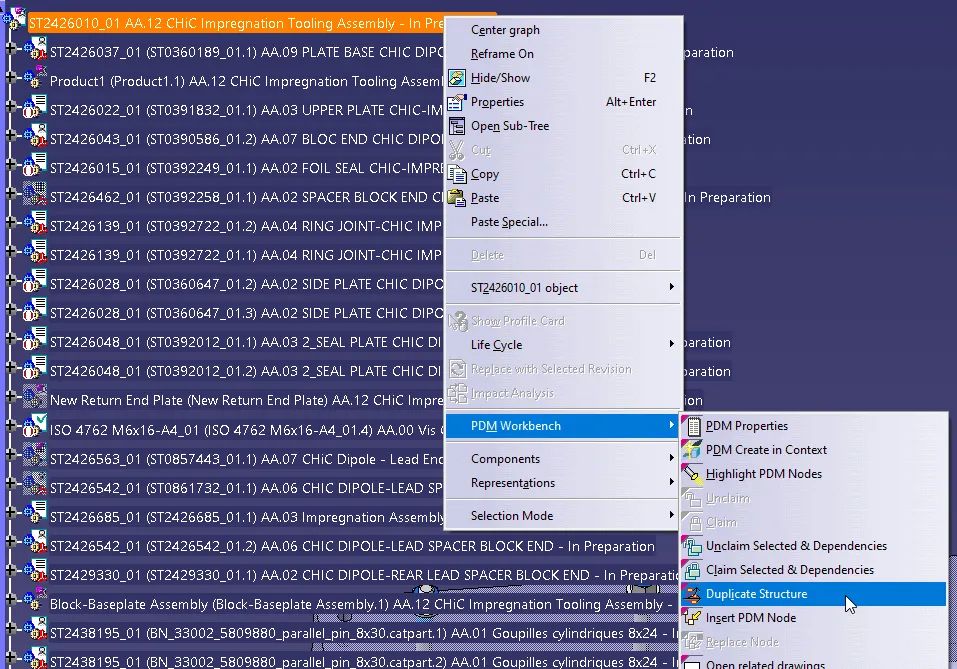
How to duplicate a structure?
How to duplicate a structure? You can duplicate an entire structure using the following tool from the PDM workbench contextual menu. It will duplicate the entire structure, top down from the selected node. Once clicked, a list of the selected structure will open in the duplicate window, see the image below. As standard the whole
-
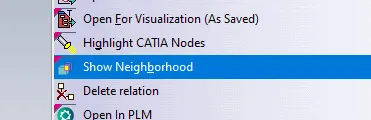
How to open via neighbourhood search (Spatial search and opening)
How to open via neighbourhood search (Spatial search and opening) In the PWB it is possible to open a specific document in context, along with any documents that touch its bounding box in the specified context. For example, if you have an engine and want to visualise only the parts that surround the crankshaft, this
-
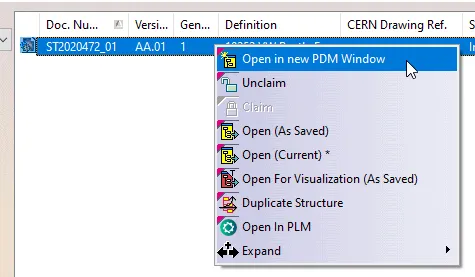
How to Open a structure in context (partial loading)?
How to Open a structure in context (partial loading)? In the PWB it is possible to open on demand only certain selected nodes of the PDM structure in CATIA. This may be useful when you only need to load a specific set of nodes from a heavy model, but would like to save it in
-
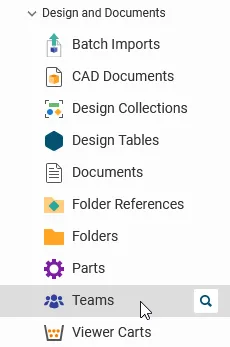
How to book a specific CERN Drawing Reference before the creation of the Drawing?
How to book a specific CERN Drawing Reference before the creation of the Drawing? It is possible to book a new CDR before you even created the Drawing, in the case you want to create the drawing afterward and need to assign a specific CDR to it. In this case, access the Design Code profile
-
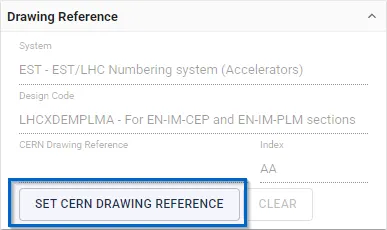
How to set an existing (booked) CERN Drawing Reference (CDR) to a new Drawing?
How to set an existing (booked) CERN Drawing Reference (CDR) to a new Drawing? General requirement: Prior to using this functionality, make sure you have one of the following roles in the Design Code corresponding to the CERN Drawing Reference (CDR): Contributor, Design Reviewer, or Equipment Owner. From the TitleBlock Editor To set an existing
-

How to preview a CAD document in CATIA from the PLM?
How to preview a CAD document in CATIA from the PLM? If you require to quickly review a 3D CATIA model it may be advantageous to use the 'preview in CATIA' command. This will open documents much faster compared to the standard method of opening native files in CATIA, or even opening the converted STEP
-
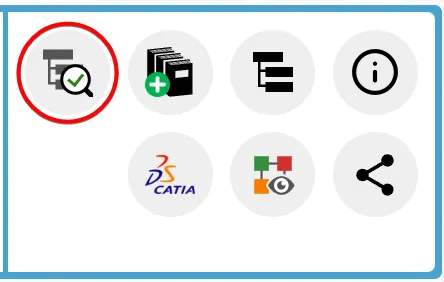
How to check if a document is ‘current’?
How to check if a document is ‘current’? Its important to know if your CAD structure contains 'non latest' versions of CAD Documents, especially if you need to work with the latest data, while the latest data might be available in SmarTeam only. Within the PLM and CATIA connector there are various ways you can