
Tag: PLM – Getting Started
-
How to use the quick search in PLM?
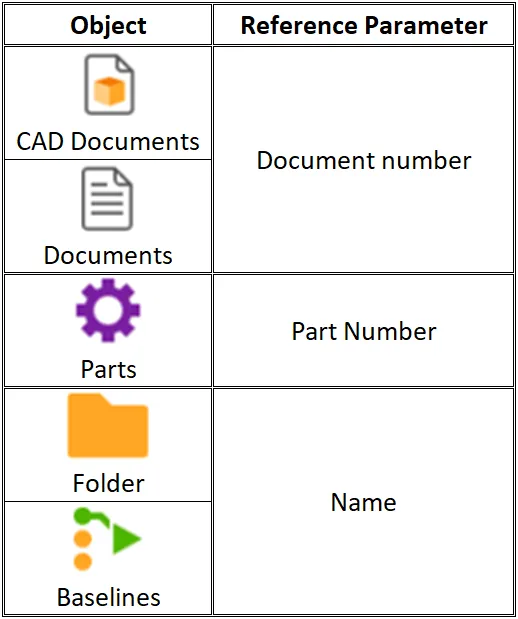
How to use the quick search in PLM? To open the quick search function, first open the Navigation Panel, then select the icon corresponding to the type of object you are looking for or use one of the shortcuts in the sidebar. The quick search can be used to find an object if you know
-
How to open a CAD document from CATIA using the connector?
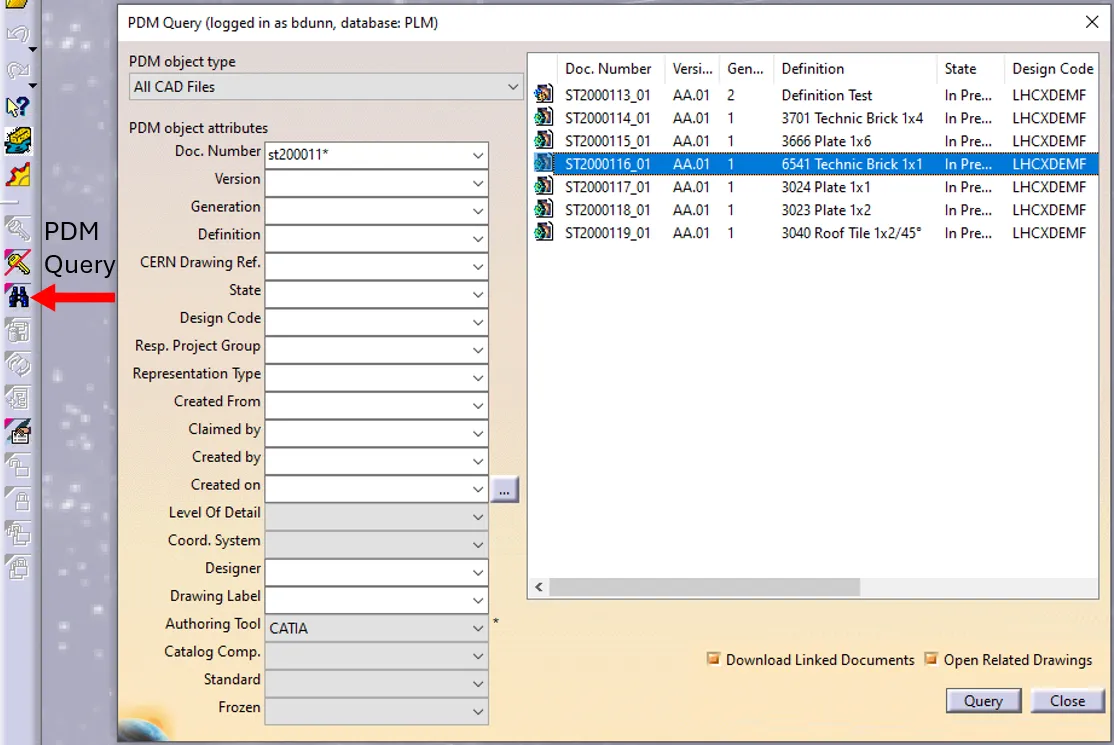
How to open a CAD document from CATIA using the connector? In CATIA, from the connector toolbar, clicking on the Query icon, you will be able to access the PDM Query dialog and to search for any CAD document previously uploaded to the PLM platform. Once the searched CAD Document has been found and selected,
-
How to open a CAD document from the PLM?
How to open a CAD document from the PLM? Any CATIA document saved in the PLM platform can be opened from there directly in CATIA. There are various methods, see below: See the ‘Opening’ subgroup for related information See more: Open CAD Document in CATIA
-
Who to contact for support?
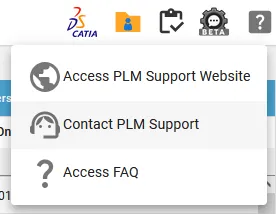
Who to contact for support? For support, please send an email to plm-support@cern.ch. A request will be automatically created in the Service-Now Platform. For urgent/blocking issues, please call the hotline: 160660 For CAD designers, it is also possible to report an issue from the PLM desktop application. This way, the request created in Service Now
-
How to install CATIA and the connector?
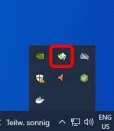
How to install CATIA and the connector? Access to the CATIA connector is granted on request, therefore if you have not already done so please complete this form to work with CATIA. Prior to granting you access, we would ask for you to complete the relevant training, please see a link to the learning path
-
How to access CATIA via the PLM?
How to access CATIA via the PLM? To access CATIA via the PLM please press the CATIA icon in the top right of the dashboard screen. Access to the CATIA connector is granted on request, therefore if you have not already done so please complete this form to work with CATIA. Prior to granting you