
Tag: CATIA
-
What tools are available in the PDM Workbenches (PWB)
What tools are available in the PDM Workbenches (PWB) The PLM and CATIA are connected through the connector, PDM Workbench (PWB). There is a toolbar and different workbenches for the various CATIA workbenches (Part Design, Assembly design, drafting). The PDM workbenches do not contain any modelling tools, but have tools to manage the documents such
-
Release notes 5.7
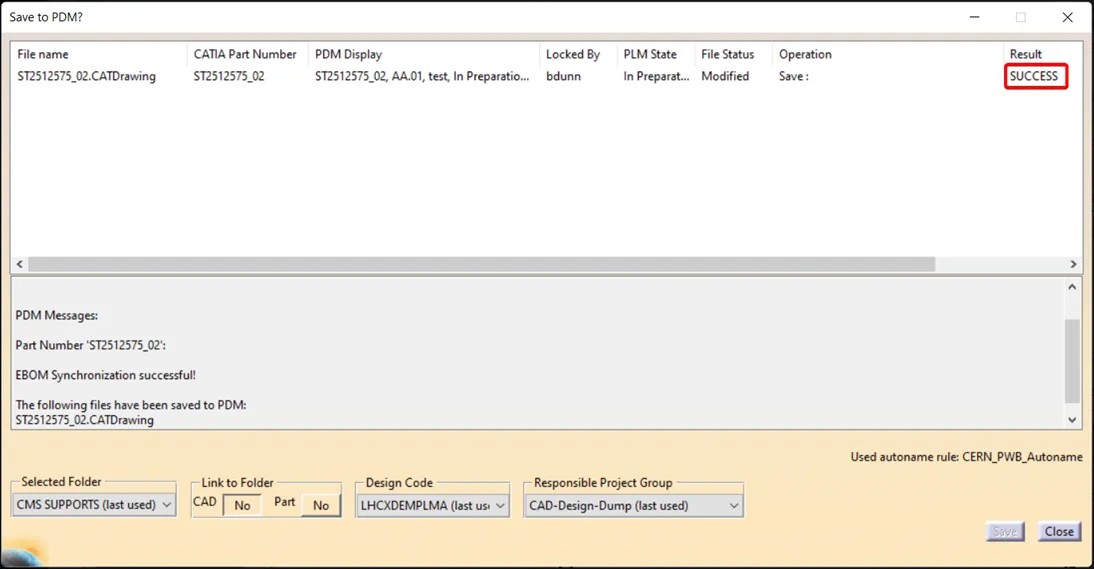
Release notes 5.7 The full release notes are available here. IMPORTANT Please be aware that after saving a drawing, there is currently no confirmation response or save icon displayed in the PDM window. This is a known issue and we are actively waiting for a fix to be implemented. In the meantime, we kindly ask
-
Release Notes 5.6
Release Notes 5.6 The full release notes are available here. The main new features of this release are: CATIA Connector version 17.1.18 Bug Fix – In some isolated cases, file name of CAD Documents can change across version. In this case, the following messages will appear when saving: Saving is still possible, but users must
-
What changes were made to the CATIA Connector save process to prevent data loss?
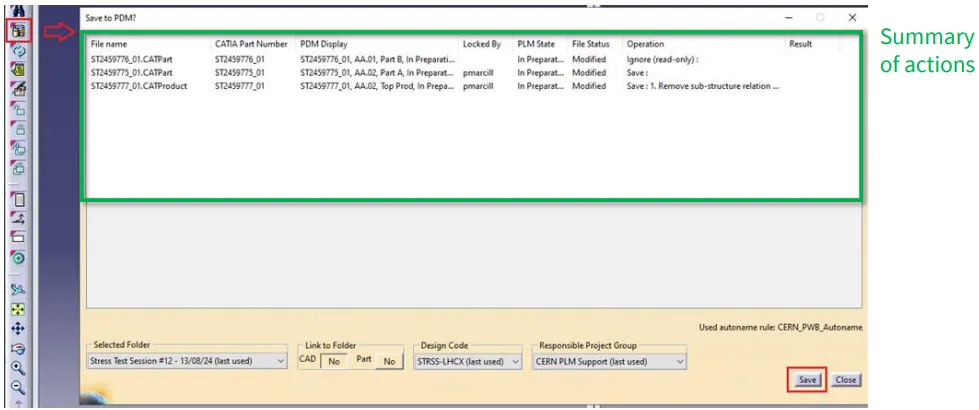
What changes were made to the CATIA Connector save process to prevent data loss? To prevent data loss caused by save interruptions (for example, switching windows too quickly after pressing “Save“), a CATIA Connector update was deployed on Wednesday, 5th of November. This update introduces a temporary but safer save mechanism. Key Changes Implemented Save
-
How to use the Emergency Save (Upload) and Open function of the CERN CATIA PLM toolbox?
How to use the Emergency Save (Upload) and Open function of the CERN CATIA PLM toolbox? If you’re experiencing delays or failure when saving through the standard CATIA Connector, you can use the Emergency Save (also called Toolbox) function as a fallback to manually upload your work. You can also use this tool to open
-
How to duplicate a structure?
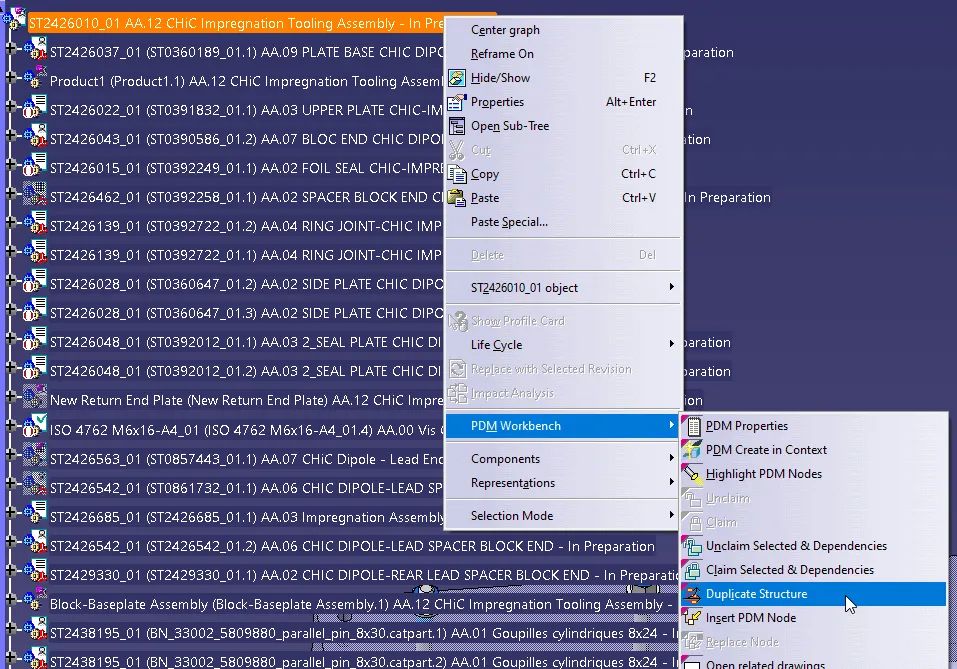
How to duplicate a structure? You can duplicate an entire structure using the following tool from the PDM workbench contextual menu. It will duplicate the entire structure, top down from the selected node. Once clicked, a list of the selected structure will open in the duplicate window, see the image below. As standard the whole
-
How to open via neighbourhood search (Spatial search and opening)
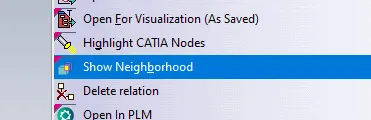
How to open via neighbourhood search (Spatial search and opening) In the PWB it is possible to open a specific document in context, along with any documents that touch its bounding box in the specified context. For example, if you have an engine and want to visualise only the parts that surround the crankshaft, this
-
How to Open a structure in context (partial loading)?
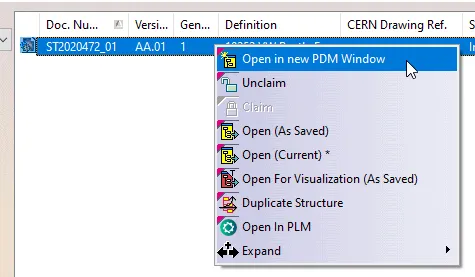
How to Open a structure in context (partial loading)? In the PWB it is possible to open on demand only certain selected nodes of the PDM structure in CATIA. This may be useful when you only need to load a specific set of nodes from a heavy model, but would like to save it in
-
PLM/PWB/CAD known issues and workarounds
PLM/PWB/CAD known issues and workarounds There are some known issues when working with the PLM and PWB CATIA connector. Whilst we are working on a resolution we have documented them at the link here, along with our suggested workarounds. We have also documented any known CAD issues and potential workarounds. These have been reported to
-

How to preview a CAD document in CATIA from the PLM?
How to preview a CAD document in CATIA from the PLM? If you require to quickly review a 3D CATIA model it may be advantageous to use the 'preview in CATIA' command. This will open documents much faster compared to the standard method of opening native files in CATIA, or even opening the converted STEP