
Tag: PLM
-

How to compare 2 different revisions of a document?
How to compare 2 different revisions of a document? Please note the FAQ referred to in this how-to is under review. The first 3 sections of this FAQ refer to the methodology for Smt. For the required methodology for the PLM please refer to page 19 of this FAQ . Section 4 is relevant for
-
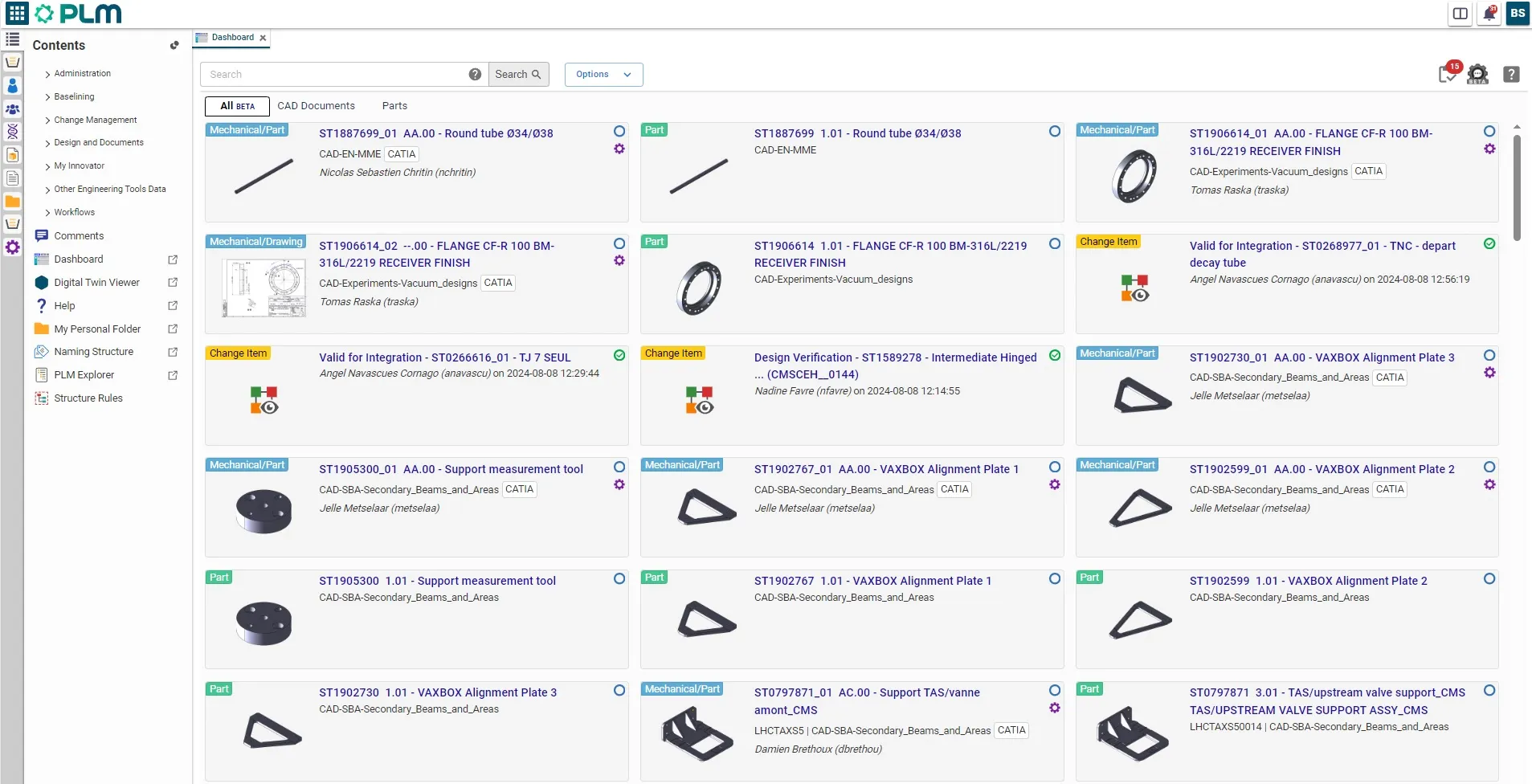
PLM Platform
PLM Platform Product Lifecycle Management (PLM) is the process of managing the entire lifecycle of a product from its inception through the engineering, design and manufacture, as well as the service and disposal of manufactured products. Goals of a PLM system are: Details https://plm.cern.ch Quick access: Very important aspects of PLM systems is that we
-
What should be done before departing CERN?
What should be done before departing CERN? Note this FAQ is under review as it references Smt terminologies. However, the general advice remains the same, please unclaim your objects and assign a Design Code or RPG to allow others to continue using your work. To ease the collaborative work with SmarTeam, there are some steps
-
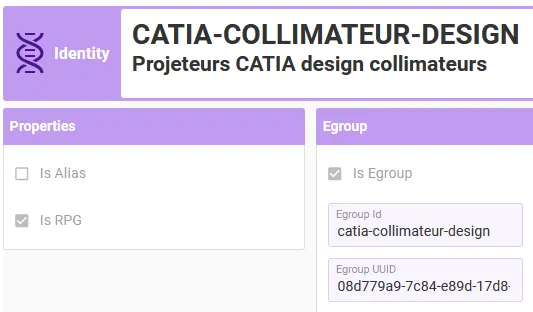
How to add or remove people from a Responsible Project Group (RPG)?
How to add or remove people from a Responsible Project Group (RPG)? The PLM Responsible Project Groups (RPG) are in most of the cases synchronised with GMS groups (former “e-groups”). These can be managed by users on their own, without assistance from CAD/PLM support, using the GMS application. Access the Profile Card of the RPG
-
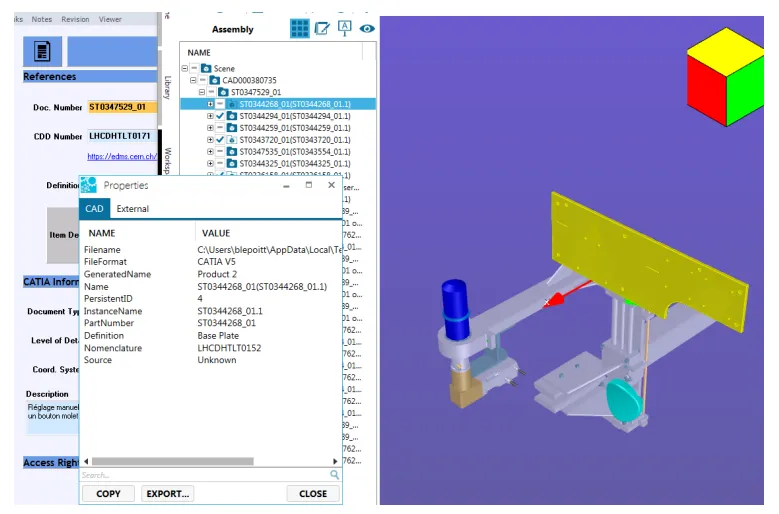
Actify SpinFire Ultimate
Actify SpinFire Ultimate Actify SpinFire Ultimate is a CAD viewer with multi-CAD support for 3D and 2D viewing, measuring, markup and other analizing functions. It can open every CATIA drawing and it is connected with PLM. Only for Windows platforms. Example of Visualization in Actify SpinFire Details Actify SpinFire Quick Access:
-
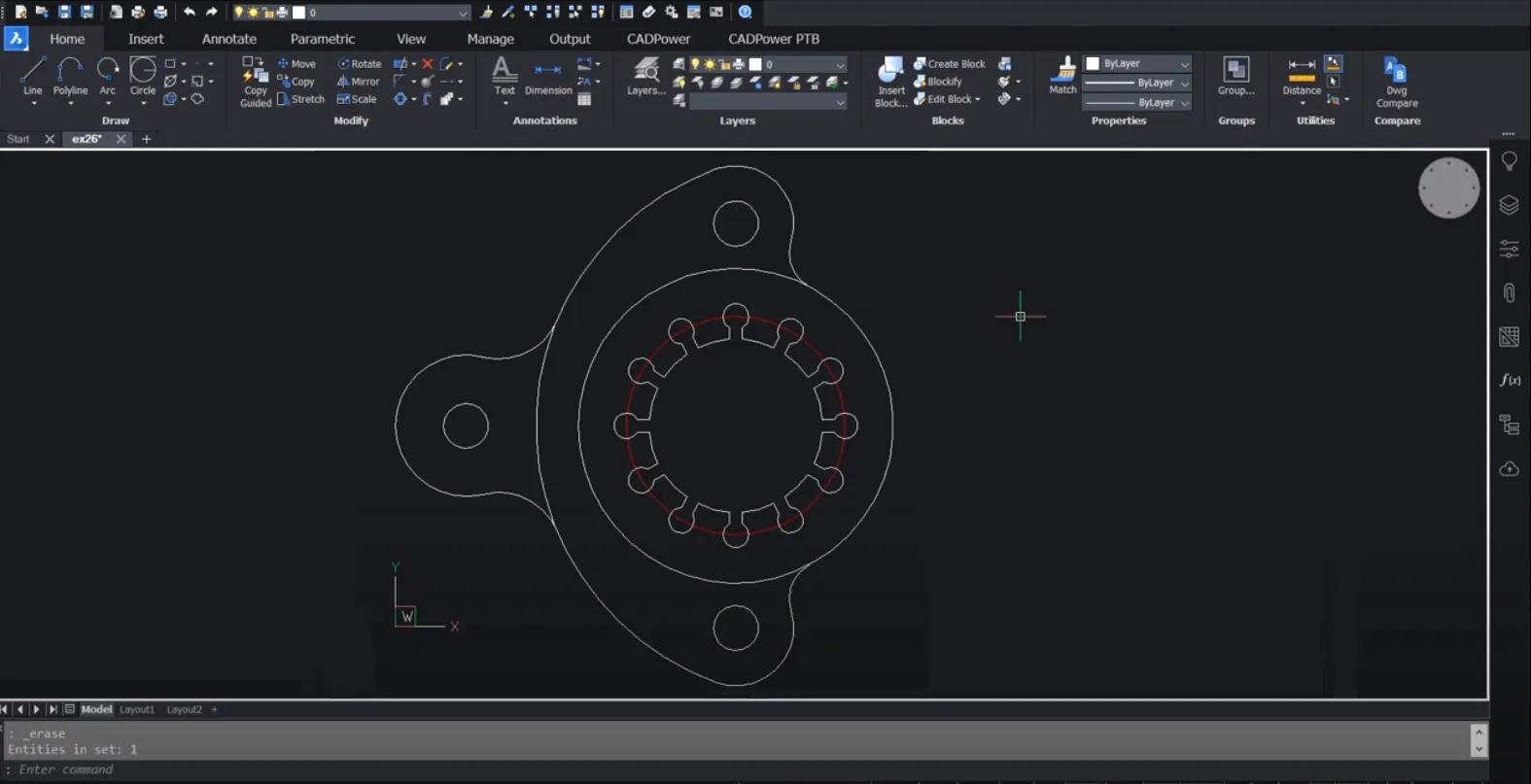
BricsCAD
BricsCAD BricsCAD is computer-aided design (CAD) software that is officially used for 2D drafting and there is also possibility to design 3D (but the main tool used at CERN is CATIA V5), and modeling with solids, surfaces, mesh objects, documentation features, and more. It includes features to automate tasks and increase productivity such as comparing
-
CATIA V5
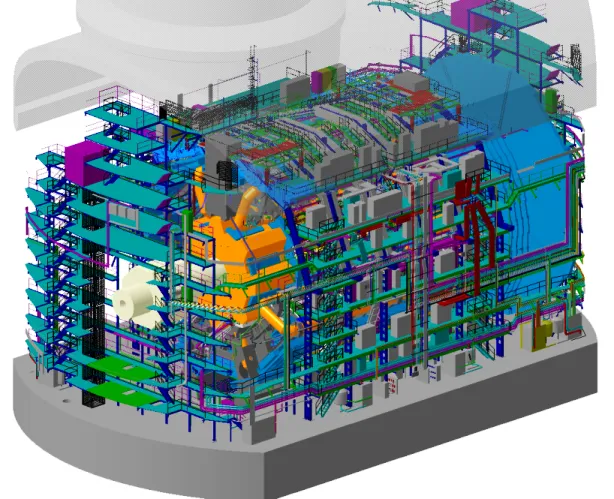
CATIA V5 CATIA V5 from Dassault Systèmes is the main 3D CAD Tool at CERN. It offers advanced and highly instinctive tools for easily creating, verifying and modifying any type or shape, from freeform surfaces to mechanical shapes. This is considered as CAx software and referred to as a 3D Product Lifecycle Management package as