
Tag: Other CAD software
-
How to install the PLM CERN MULTICAD Connectors?
How to install the PLM CERN MULTICAD Connectors? The official CAD tool at CERN for 3D design is CATIA V5. However, the PLM can be used with AutoCAD, BricsCAD, Inventor and REVIT by installing the relevant connector. Please note there is no support at CERN for the use of these applications, only the installation and
-

How to save a REVIT Project in the PLM?
How to save a REVIT Project in the PLM? The CERN PLM can be connected with multiple CAD tools, including REVIT, so that all CERN CAD data is managed in a single enterprise PLM system. You must first save the project in a local folder. This can be done before launching the save in the
-

How to save AutoCAD documents in the PLM?
How to save AutoCAD documents in the PLM? The CERN PLM can be connected with multiple CAD tools, including AutoCAD, so that all CERN CAD data is managed in a single enterprise PLM system. You must first save the file in a local folder before launching the save in the PLM. The filename that you
-
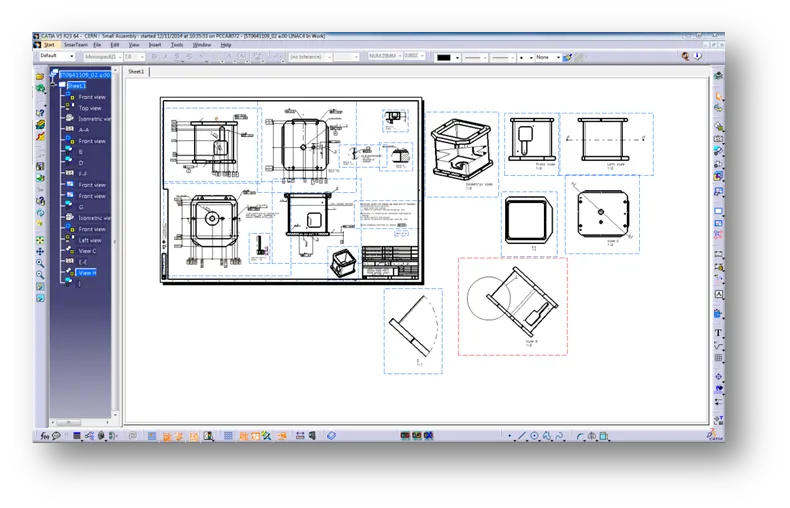
How to manage drawings with several sheets in PLM?
How to manage drawings with several sheets in PLM? Whilst the PLM is not able to support the multi-sheet drawings, here is the procedure to follow if you have a design that doesn’t fit only in one sheet of the drawing: Note: the procedure refers to CATIA, but it can be applied for other CAD