
Tag: CAD Viewers
-
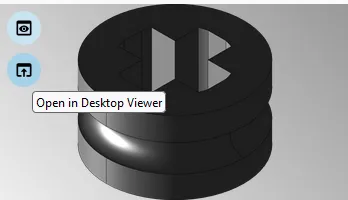
How to open or merge CAD Documents in SpinFire Ultimate?
How to open or merge CAD Documents in SpinFire Ultimate? To open a 3D CAD document in Spinfire Ultimate there is an icon available on each Profile Card. It is located on the thumbnail (the lower one, whilst the upper icon is used to display the web viewer): Open in Desktop Viewer. The first time
-
How to use SpinFire Ultimate to view CAD Documents?
How to use SpinFire Ultimate to view CAD Documents? Ultimate SpinFire is a program that can be used to open CAD Documents saved in a range of file types. It can be used to perform different types of analysis and rendering options, these include; For more information on these topics please read the following documentation.
-
How to search and visualise files of SmarTeam CAD Documents in the PLM Platform?
How to search and visualise files of SmarTeam CAD Documents in the PLM Platform? To locate, view or open files of SmarTeam(ST) CAD Documents through the PLM platform, follow the subsequent steps. 1. Optional prerequisite to enable the opening of STEP files of ST CAD Document directly into SpinFire Ultimate: Install the software below from